Medication review
Check what's on file, flag overdue reviews, or ask about interactions before writing a new prescription.

The Welkin AI Assistant lives inside the patient record.
Available on any view the moment you need it. Ask about any patient data: assessments, encounters, program history, documents, communications, and all the custom clinical data your team captures.
Get answers in seconds.
The AI Assistant button appears on every view within an open patient record in the Care Portal. Profile, encounters, assessments, tasks: it’s always there, without interrupting your workflow. Click it, type your question, get your answer. Then close it and keep working.
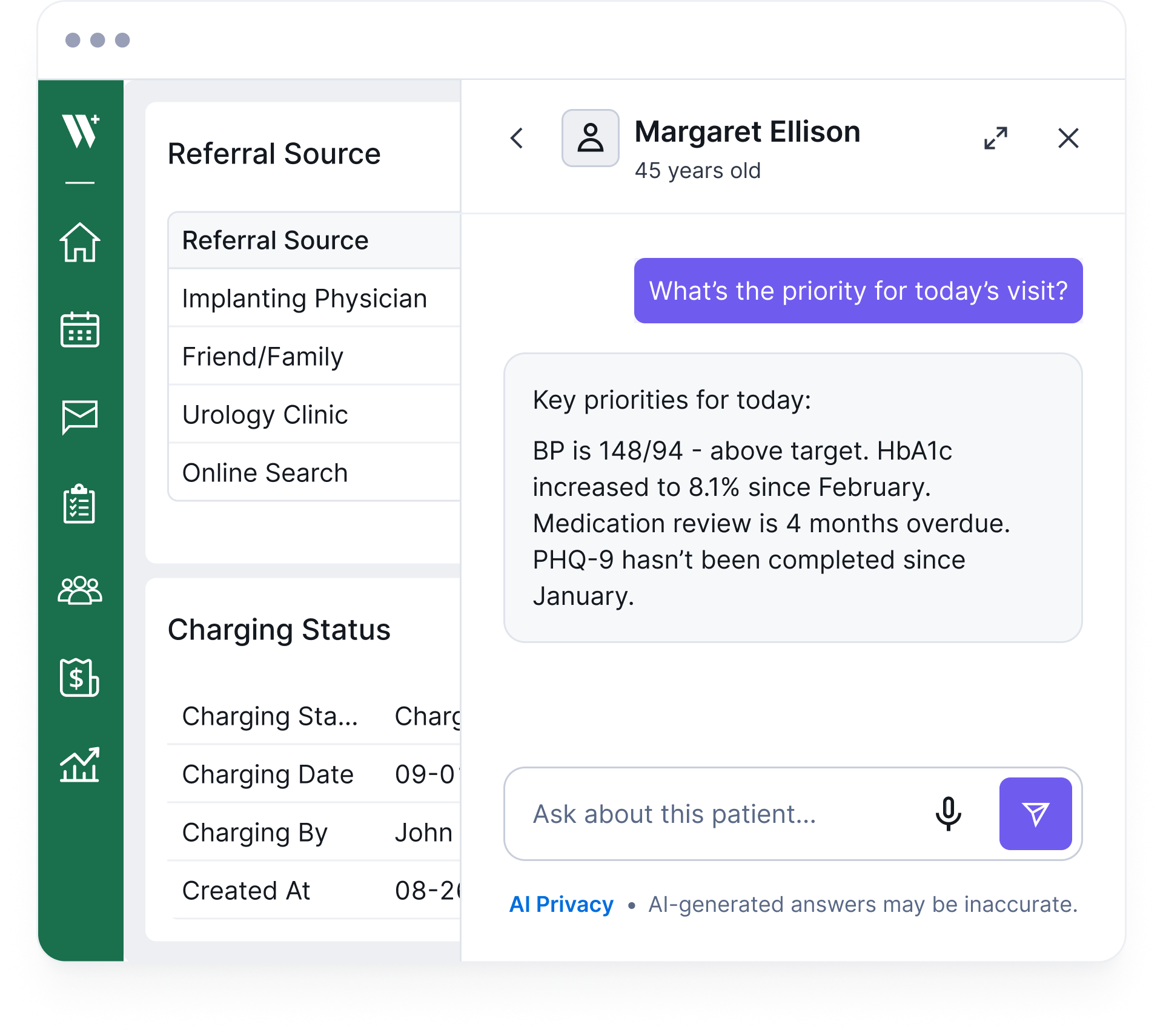
The moment you open the assistant, it already knows who you’re looking at. It pulls from the patient’s structured record, including CDTs, assessments, encounters, program enrollment, and care team data. Then it answers your question against all of it. No copy-paste. No tab switching. The AI works with the same data your team documents, already organized and ready to query.
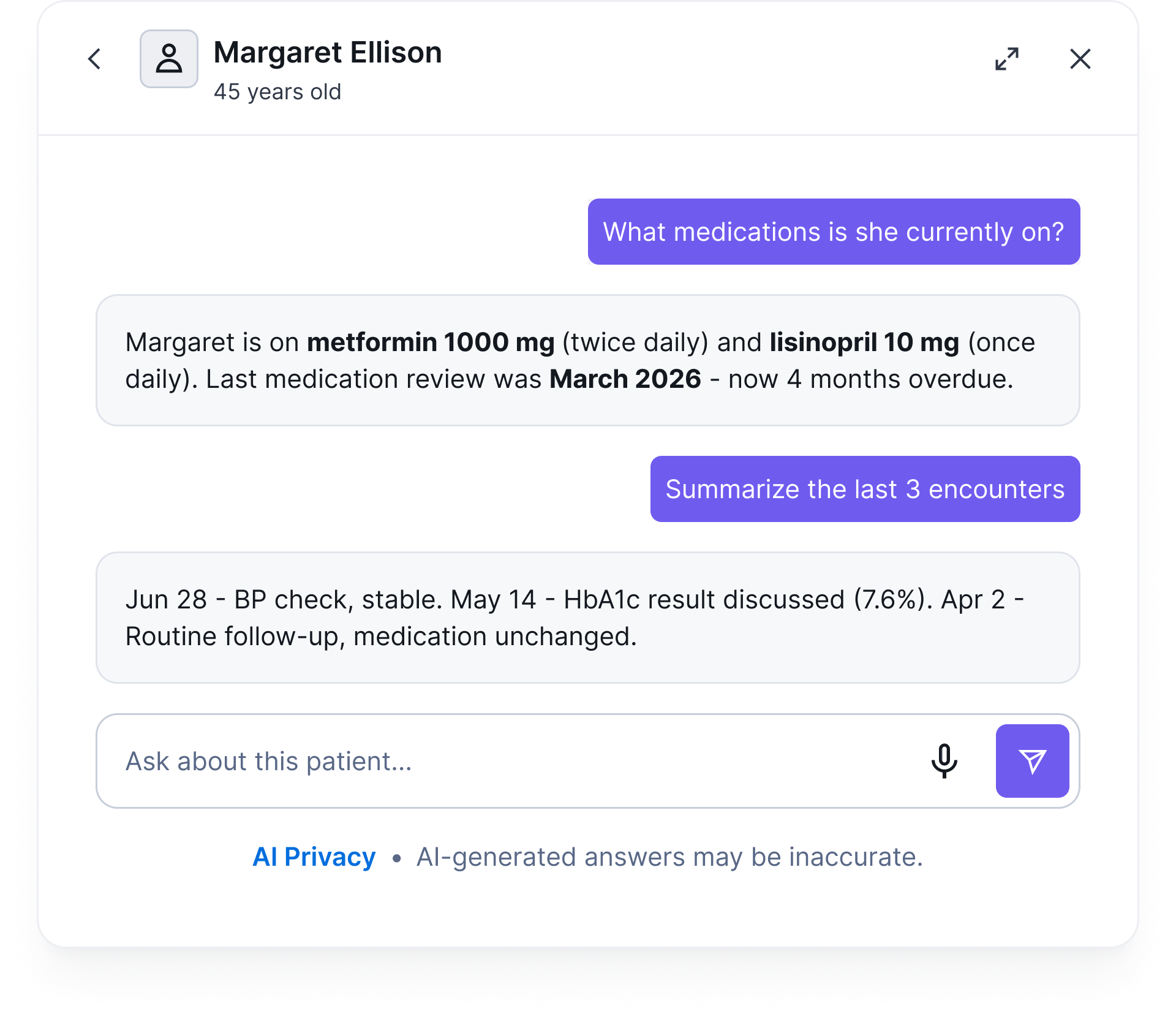
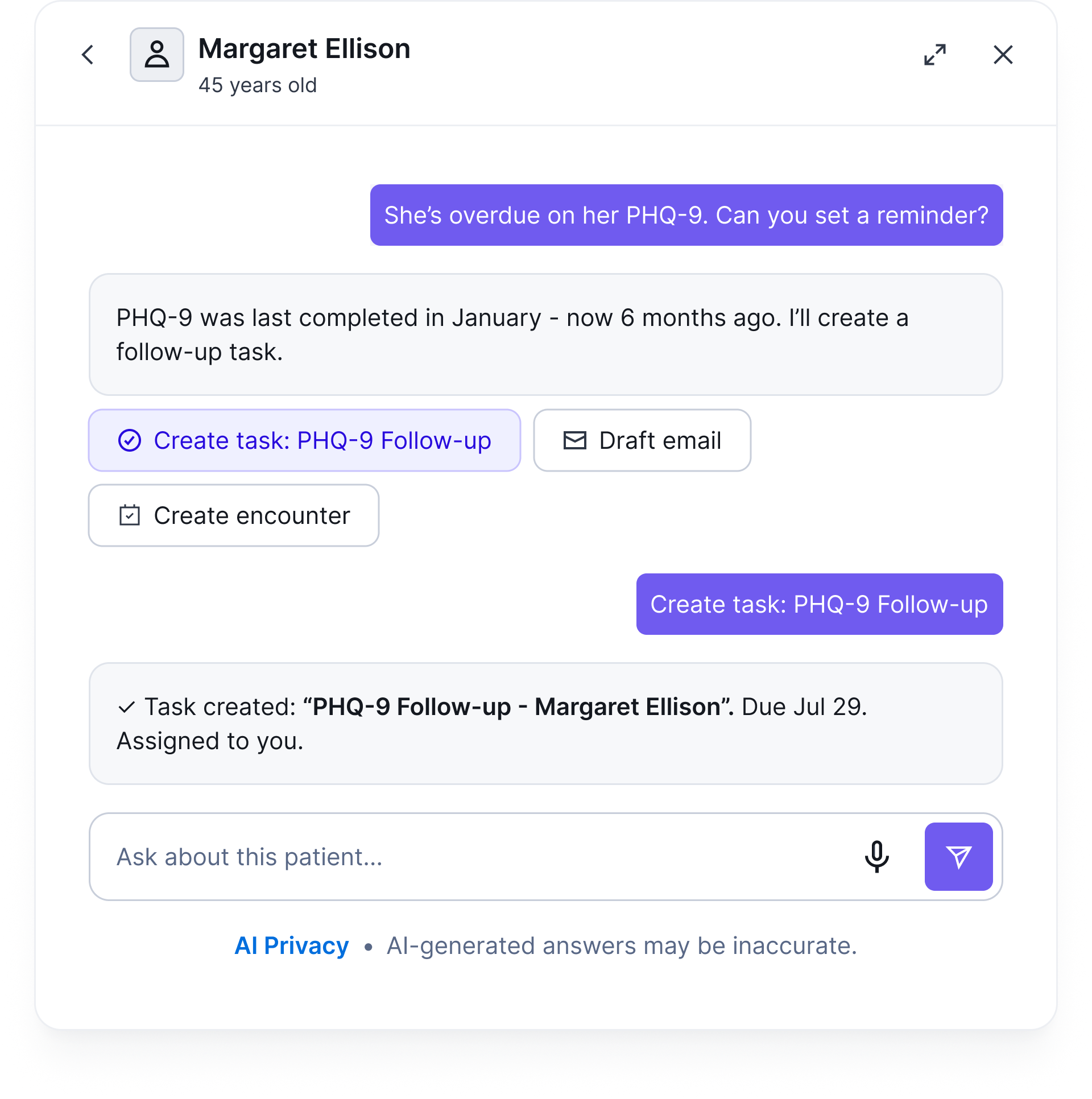
The AI Assistant doesn’t just answer questions. When it identifies something that needs to happen, it can suggest the next step and execute it, creating a task, logging an encounter, or sending a message — all within the same chat. If an action doesn’t go through, the AI sees what happened and adjusts on its own, so you don’t have to troubleshoot.
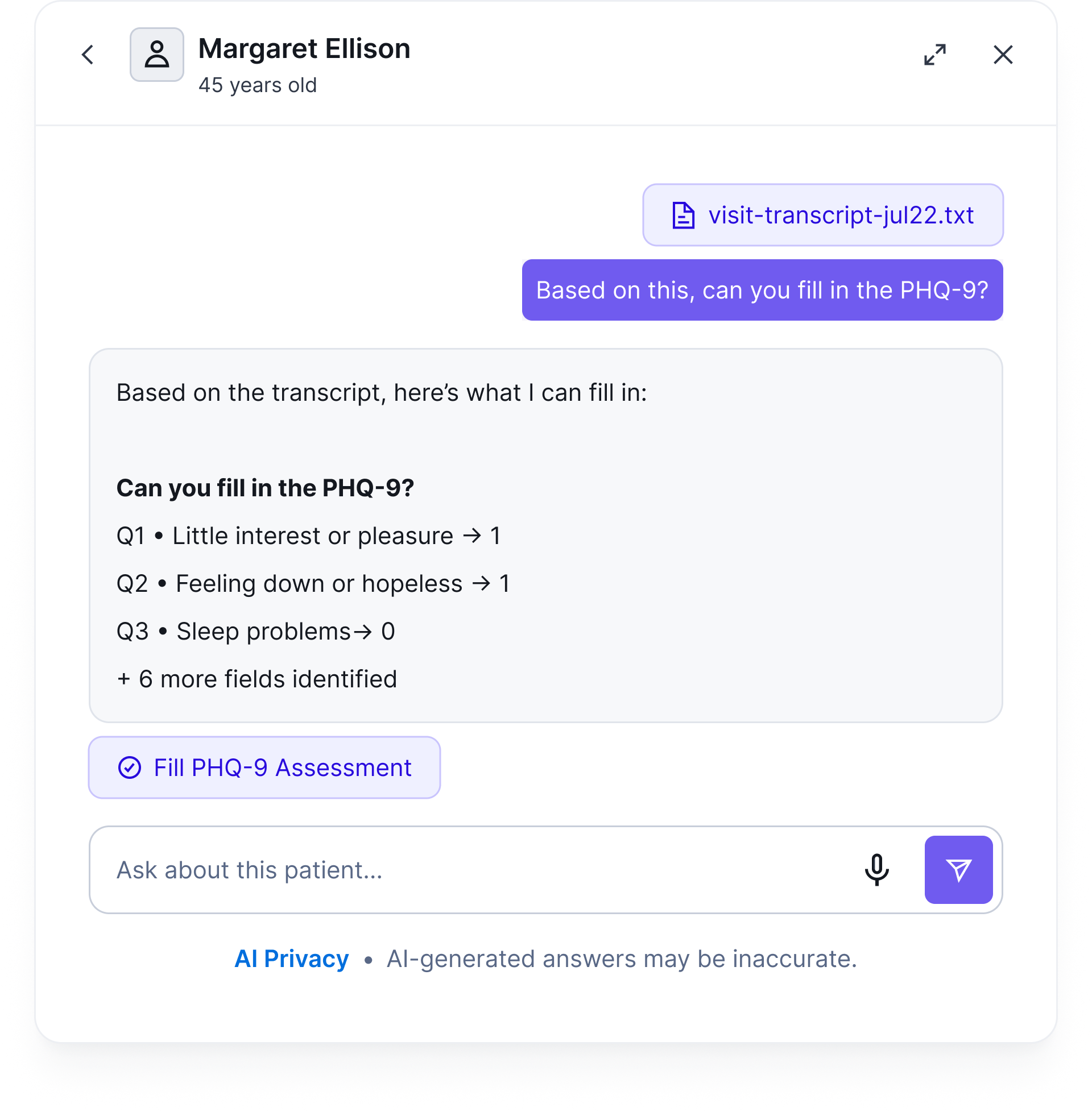
Instead of typing, tap the mic and ask out loud. Your question is transcribed and sent to the AI just like text, useful when your hands are busy or you’re moving between patients. And if you’ve recorded a visit and have a transcript, bring it into the chat. Ask the AI to read it and fill in the relevant assessment fields, turning a conversation into structured clinical data.
The AI Assistant works for whatever your team needs. From quick lookups to clinical decision support.

Check what's on file, flag overdue reviews, or ask about interactions before writing a new prescription.

"Is she due for a medication review? Any known interactions with lisinopril?"

Quickly catch up on a patient before a call or encounter: open items, recent readings, last interaction.
"What should I focus on for today's visit?"

Ask about changes in vitals, assessment scores, or lab values over time, without pulling up charts manually.
"How has her blood pressure trended over the last 6 months?"

Surface overdue assessments, missed follow-ups, or outstanding tasks without digging through the record.
"What's overdue for this patient?"

Ask the AI to read uploaded files: referral letters, lab reports, consent forms and extract the information that matters for care.
"What does the referral letter say about her diagnosis and recommended next steps?"

Transcribe a visit and bring it into the chat. Ask the AI to read it and fill in the relevant assessment fields, from conversation to structured data.
"Here's the transcript from today's visit. Can you fill in the PHQ-9 based on what Paul said?"

Navigate to any patient record in the Care Portal. The AI Assistant button appears automatically.

The AI drawer slides in from the side. Your current page stays open underneath.

Ask in plain language — or tap the mic and say it out loud. No syntax, no switching apps.

Instant response based on real patient data. Keep the conversation going or close and move on.
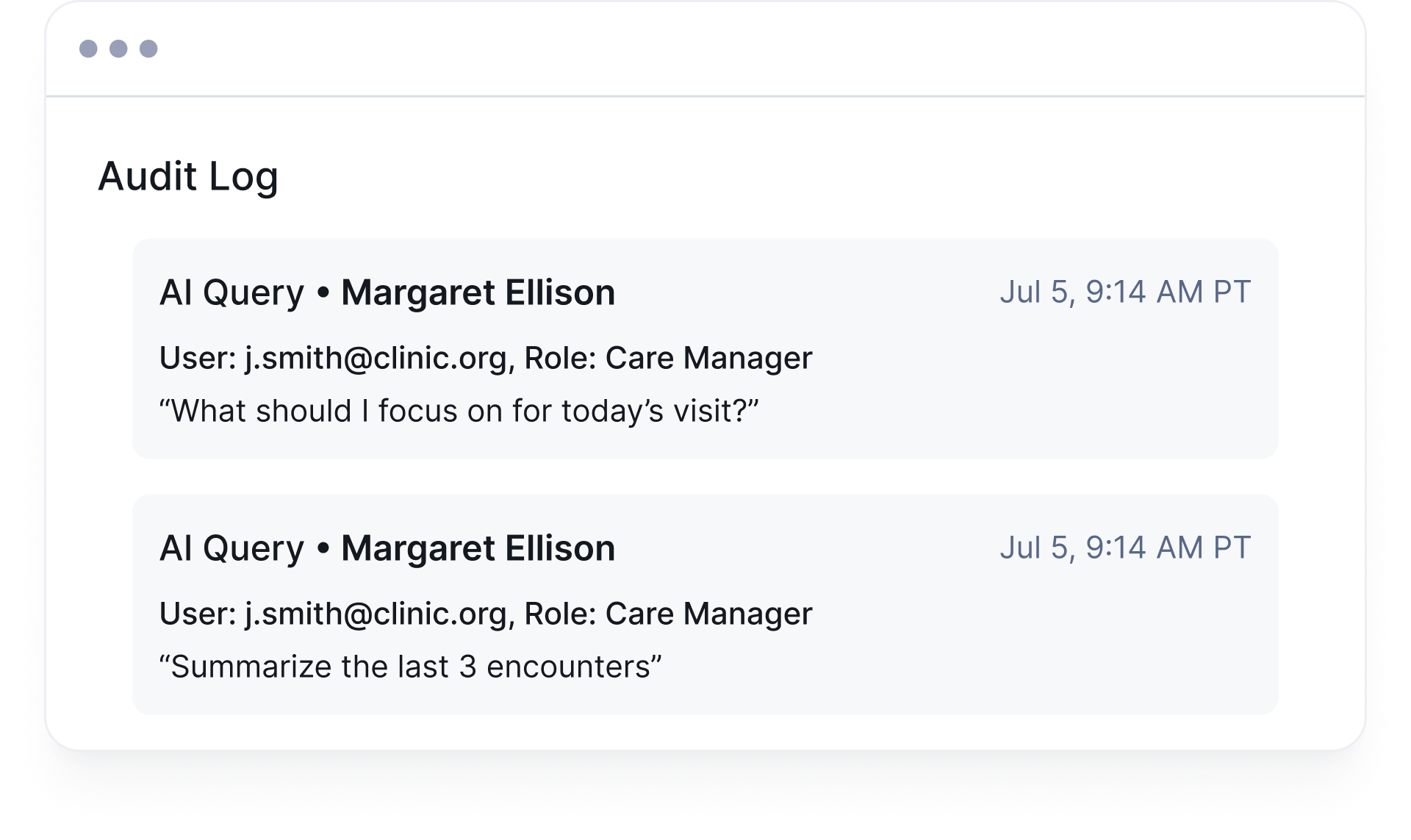
Every AI query is scoped to the authenticated user’s role and permissions. If a care team member can’t see a field in the patient record, the AI can’t reference it either. All queries are logged to the audit trail: searchable, timestamped, and tied to the user and patient.

Organizations can connect their own LLM API key at the org level, keeping AI usage under your own account, billing, and data agreements.